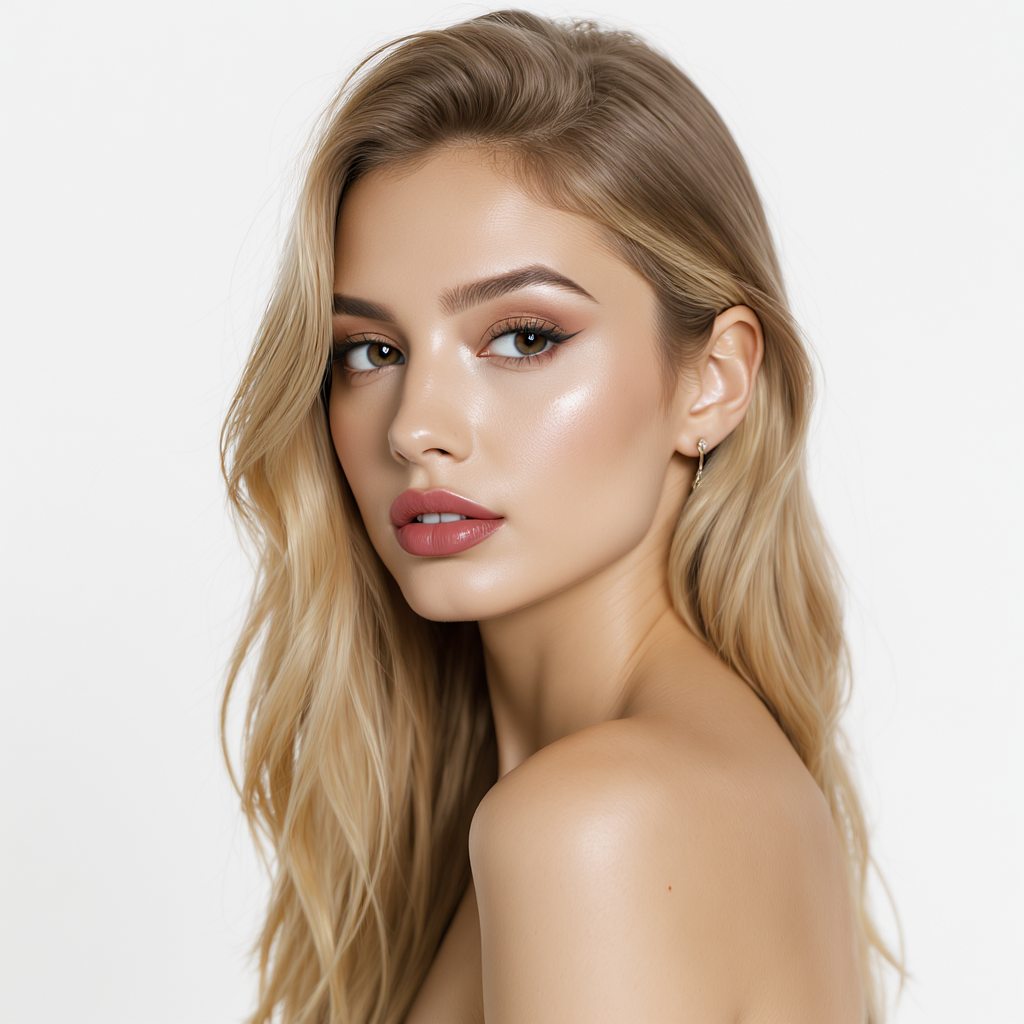
Editorial portrait retouchNatural skin, soft light, fashion-forward finish.
AI image creation for marketing teams
Avantia is the AI image editor that lets marketing teams generate campaign concepts, remove backgrounds, retouch portraits, and upscale production assets — all from one focused workspace, without switching between five different tools.
Recent style directions
We keep the top of the experience focused on the result: stronger visual direction, faster campaign iteration, and fewer handoffs between tools.

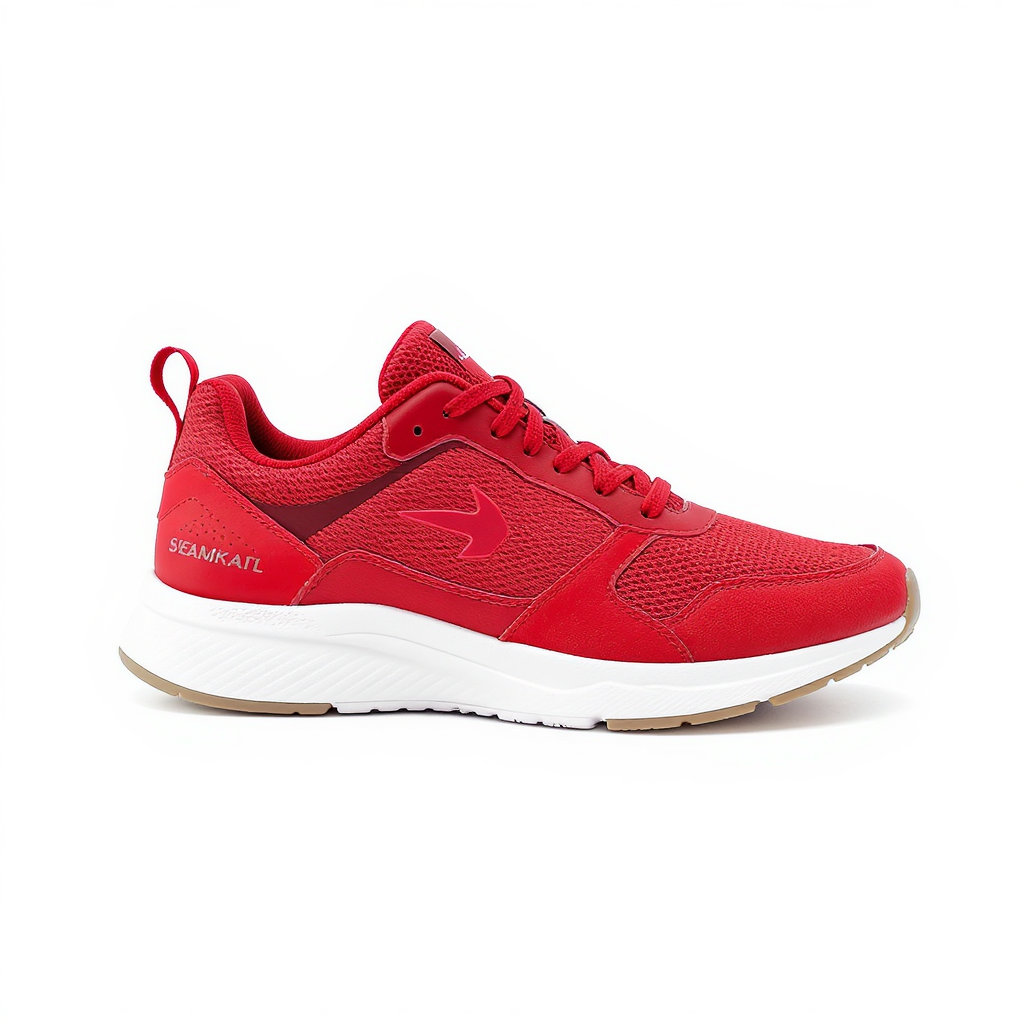
Core capabilities
Instead of forcing users through disconnected tools, the 2.0 direction keeps generation, editing, cleanup, and delivery inside one coherent workbench.
Generate fresh concepts, posters, and key visuals from a single prompt.
Restyle, replace, and refine existing images without leaving your workflow.
Prepare polished cutouts for product, social, and catalogue use in seconds.
Recover sharpness and clarity for delivery-ready marketing assets.
Why Avantia
Most teams already know they need an AI image editor. The harder question is which one fits a real marketing workflow.
Generic AI image tools optimize for novelty — they show you what is possible with the most impressive single output. But marketing teams do not need impressive demos. They need an AI image editor that fits inside a delivery pipeline: fast iteration cycles, consistent brand tone, and results that land in Figma, Canva, or a staging environment without a second round of retouching.
Avantia is designed around that constraint. The four core modes — text-to-image generation, scene editing, background removal, and upscaling — cover the majority of production image tasks a marketing team runs in a week. Keeping them in one workspace means no context-switching, no re-uploading, and no reconciling outputs from three different subscription tools.
The credit model is intentionally transparent: every operation has a clear, predictable cost. Teams can forecast monthly usage, share a single account across a small team, and scale spending directly to campaign load. There are no surprise overages because you can see your balance before every run.
The result is an AI image editor that feels like infrastructure rather than a creative toy — quiet, reliable, and fast enough to stay in the critical path of a real campaign workflow.
Switching between five different subscription tools to finish one campaign asset is the real cost most teams underestimate. Each hand-off — exporting from one app, re-uploading to another, matching color profiles across platforms — adds friction and inconsistency that compounds over a busy campaign week. Avantia's editor removes those hand-offs entirely. A single workspace, a single credit balance, and a single place to review results means a marketing team can move from brief to shippable asset in one sitting, without losing time reconciling outputs from tools that were never designed to talk to each other.
Use cases
Four types of teams reach for this AI image editor most often.
Product photography pipelines are expensive. E-commerce teams use this editor to generate studio-quality backgrounds, remove original photo backgrounds in bulk, and upscale supplier images that arrive too small for listing requirements. A single credit run replaces what previously required a half-day retouching session, making it practical to refresh visuals for every seasonal campaign without a dedicated photographer. On average, teams report cutting per-image turnaround from 30 minutes to under 2 minutes once background removal and upscaling move into one workflow.
Posting consistently across platforms means producing a high volume of on-brand visuals every week. Social media managers use the text-to-image mode to generate concept variants quickly, then use the edit mode to adjust tone, color grading, or background scene to match platform aesthetics. The 8 free credits available on sign-up are enough to validate the workflow before committing to a paid top-up. Most managers settle on 2-3 concept variants per post, then reuse the same prompt structure across a week's posting calendar to keep visual tone consistent.
Ad creative testing requires volume. Performance marketing teams use this tool to spin up multiple creative variants from a single brief, swap backgrounds to test different contexts, and upscale winning creatives for high-DPI display formats. Because each operation costs a predictable number of credits, teams can budget test batches the same way they budget ad spend — with full visibility before the run. A typical test batch of 8-10 variants costs well under what a single stock photo license would run, making iteration cheap enough to test more hooks per campaign.
Client work moves fast and briefs change. Freelancers and small content studios use this AI-powered editor to respond to revision requests the same day rather than rescheduling a shoot. The image edit mode handles scene replacements and style changes; background removal prepares cutouts for client-supplied templates. Commercial usage rights are included in every plan, so generated work ships directly to clients without licensing complications. A same-day revision that once meant rebooking a studio now takes one prompt and a few minutes of turnaround time.
Simple pricing path
The current product path is intentionally direct: explore with a free preview, then scale into paid credits once the team is using the pipeline for real work.
FAQ
Everything you need to know before getting started. Can't find your answer? Email us at [email protected].